


Visitor
•
3 Messages
I'm getting 99% packet loss after 5 minutes of uptime.

Hi,
I've been getting 99% packet loss exactly 5 minutes after a router reboot/modem reboot or an interface reset. I made a reddit post in the Comcast subreddit, but didn't get any more information. I'm hoping someone has a better answer here.
I'll repost my reddit post because it had the most accurate up to date information about this issue.
"I have the Comcast xb7-t hooked up to a pfSense router(I tried both virtualized and bare metal). It also happens on opnSense and FreeBSD-13. After almost exactly 5 minutes, I'm getting 99% packet loss for 15 minutes, then back to 5 minutes of 0% packet loss. And every 3 hours, it's 99% packet loss for 40 minutes. This pattern repeats, and I have the ping plotter graphs to show it. This started sometime around last Tuesday (5/25) and I made no changes before this started happening.
When a windows machine is connected directly to the modem, everything is fine. Same for Debian based systems. It seems to only happen to FreeBSD based systems including FreeBSD itself.
Right now the only fix I have is to run a cronjob every 5 minutes to reset the wan link "/etc/rc.linkup stop wan && /etc/rc.linkup start wan".
Pingplotter graphs: https://imgur.com/57YwqTz
Comcast support said the modem and signal to the modem look good. And no issues were showing with the modem. I also factory reset the modem to re-download the firmware and config to see if that would help.
Update from June 4th, Comcast tech came to the house and replaced the lines from the pole to the box on the house and checked signal. Apparently there was an issue with the signal, but replacing the lines did not help with this issue ( signal looked good to the tech when he left). I'm also getting a totally different WAN IP now. The geo-location of the new IP's is about 500 miles away."
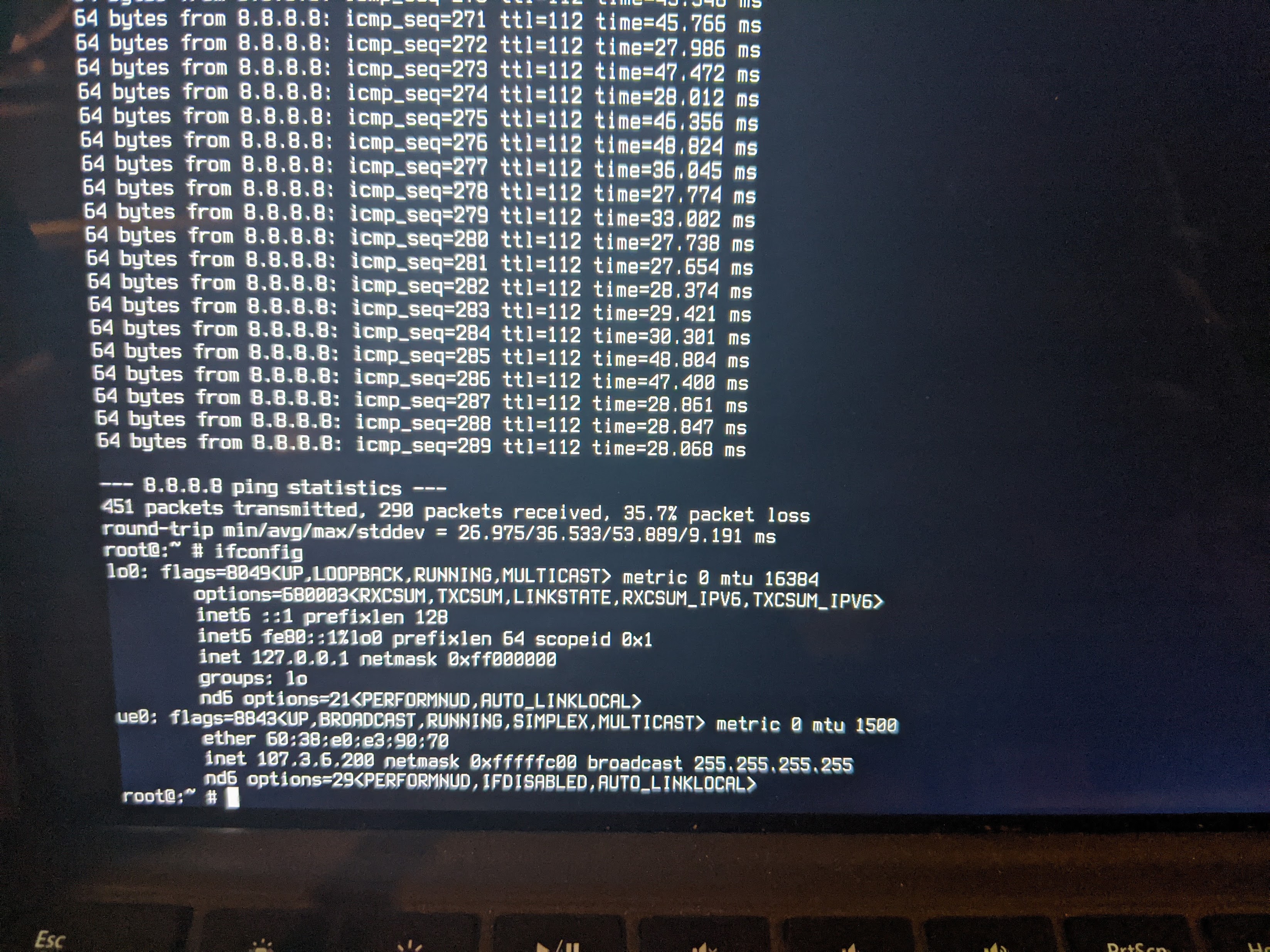
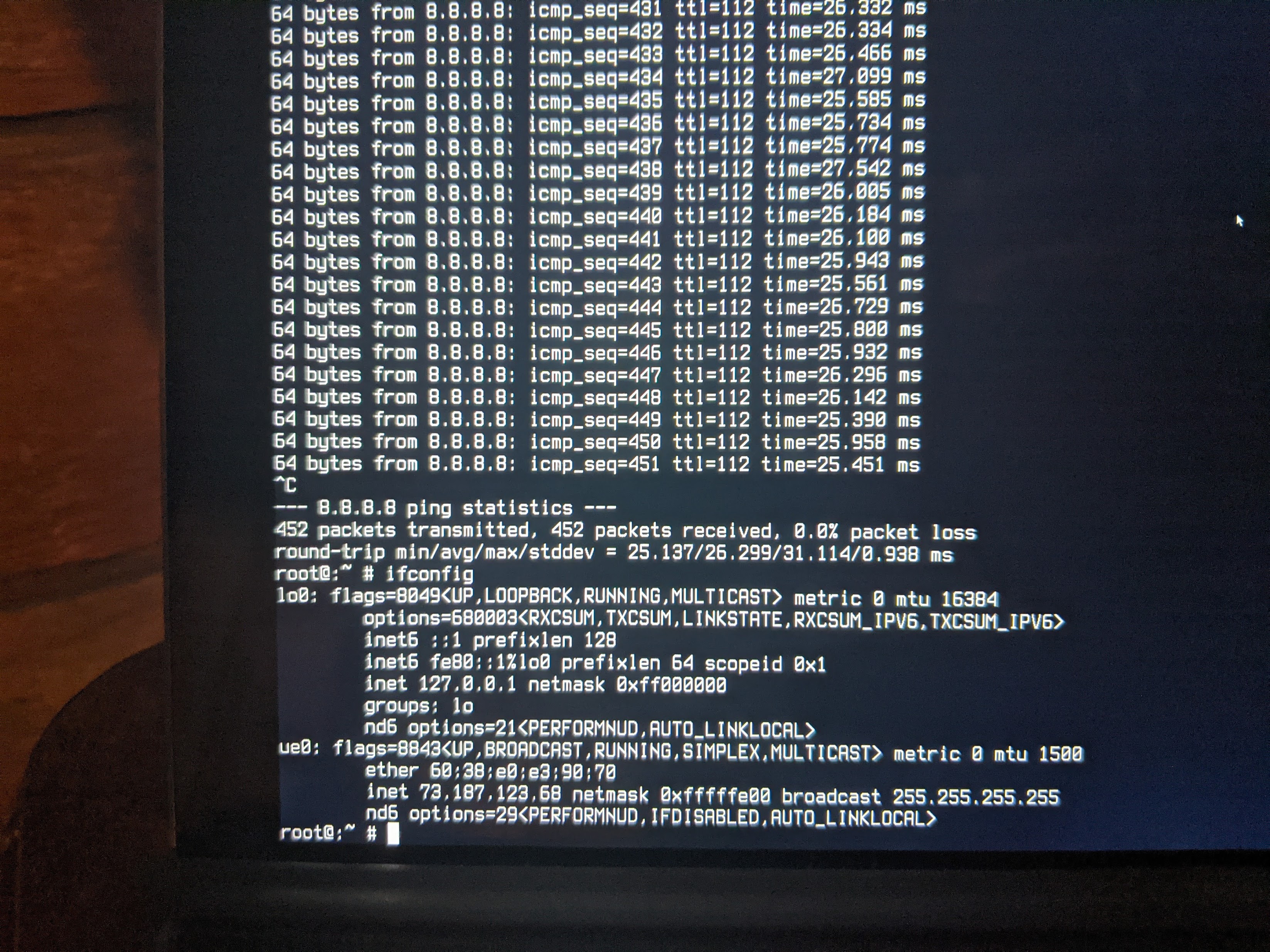
Update: I've also tested a FreeBSD live CD on a laptop in 2 locations with Comcast Service + Comcast modem. They are less than a mile apart. In the other location I can send 450 pings without dropping any. At home, I start dropping pings after around 290-300. Basically 300 seconds, or 5 minutes.
Thanks!
--Ray

XfinityChristina
Official Employee
•
923 Messages
5 years ago
Hi, @ray_f06081. I want to confirm a few things based on your message. Have you tried just connecting the modem by itself without the additional router? I see you mentioned bare metal but I wanted to make sure we're on the same page.
Did the technician leave stating anything else needed to be done at say the node or the head-end where all the cable lines go to, or any maintenance work would need to be done?
Did he replace the XB7 you have set up or just the cables?
2
0
ray_f06081
Visitor
•
3 Messages
5 years ago
It took 3 modem swaps but the problem is now gone!
1
0