user_a83366's profile

New Poster

 • 

10 Messages

10/06/2026 9:52 AM

Xfinity nightly gateway reboots for Xfinity Pro accounts

I need to understand why your doing nightly gateway reboots, and if this is going to continue why am I paying for Xfinity Pro as a cellular backup option to keep this internet connection up 100% of the time, when I was getting better uptime statistics when my modem was bridged to my internal routers? As an Xfinity Pro customer I am seeing 0 benefit, I don't have the newest modem and you won't issue one even though I qualify.

My connection is down nightly due to Xfinity rebooting my modem sometime after midnight, today it happened at 4:58:08 am ...This doesn't happen in bridged mode, so why am I paying for a cellular backup option and to be an XFinity Pro member if you're causing the connection to drop by rebooting my modem nightly? I don't have an issue if it's a firmware update and needs to be updated but a notification would be nice before the reboot happens. For the $ I'm paying you to have this backup connection, I might be better off bridging my modem and getting a secondary provider as a backup internet connection option. I expect 0 downtime for this connection unless there's a localized or widespread outage

Oldest First
Selected Oldest First

Official Employee

 • 

3.2K Messages

4 hours ago

Greetings, @user_a83366! I hope your week has been treating you well. Thanks so much for taking a moment out of your busy day to leave a post on our community forum about this rebooting issue. You have definitely come to the right place for assistance.


A nightly reboot doesn't sound like normal behavior for any gateway, whether it is in bridge mode or not. Have you been having any signal or connection issues throughout the day, or does everything work as expected until the reboot occurs? Did these reboots start happening after you activated the Xfinity Pro service? I agree that a firmware update would be understandable, but those should be rare. I suppose there could be a situation where a new firmware was released one night, then had to be rolled back the next night due to unforeseen issues, then re-released the following night. We had an issue like this with the Arris S33 or S34 a while back, but I haven't heard of it happening to one of our gateways before. How long has this been going on?

(edited)

New Poster

 • 

10 Messages

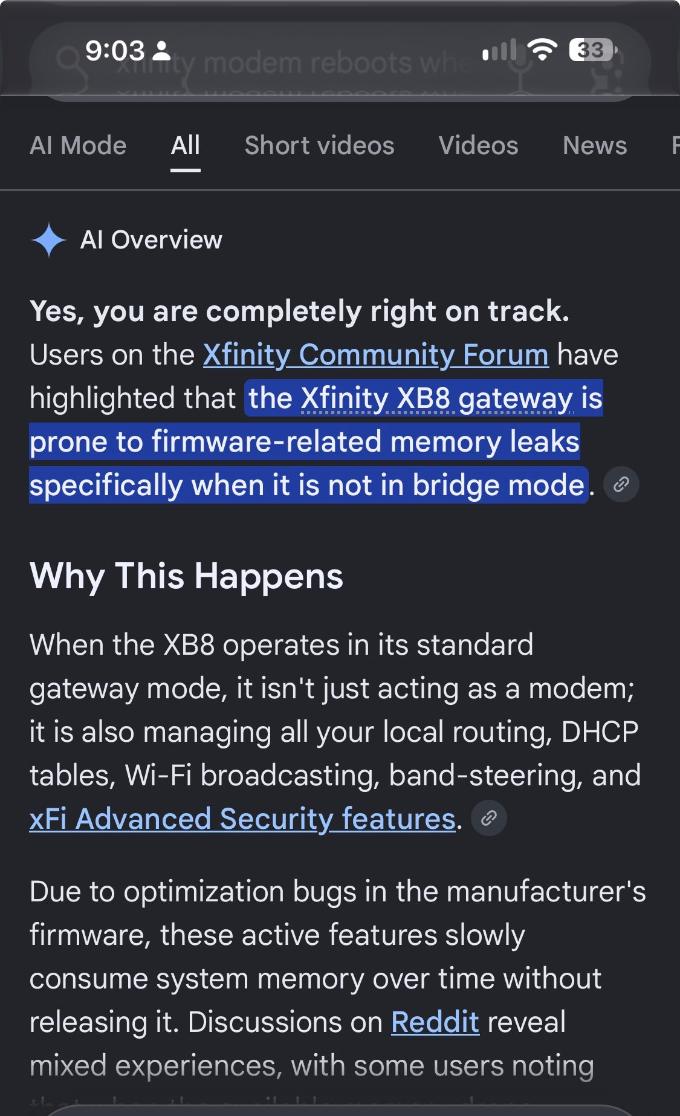
this only happens  when the modem is NOT bridged, if you're not doing firmware updates to cause the reboots, perhaps it's the existing memory leaks with the XB8 modems, I have 0 signal issues and/or signal loss according to my equipment monitoring the connection. it's not the connection issue, it's definitely a modem reboot and/or firmware update, and I have 0 splitters on the line

(edited)

New Poster

 • 

10 Messages

@XfinityJamesC​ My connection stats

Official Employee

 • 

3.2K Messages

Thank you for getting back to me about this, @user_a83366. I'm glad to hear your connection and signals are good, but that makes these nightly reboots even more unusual.


If you could send our team a direct message with your full name, the name listed on the account (if different), and the service address associated with your account, I'd be more than happy to look into this for you.


To send a Direct Message, please click on the “Direct Message” (speech bubble) icon in the top-right corner of the screen, then the "Start new conversation" (pencil and paper) icon. In the section, type or select "Xfinity Support" and type your message in the text area near the bottom of the window and press Enter to send your message and initiate a live session. You can see how to send us a direct message here, https://forums.xfinity.com/conversations/guidelines/how-to-direct-messaging-within-the-forum/697ba1e570934d009185c514.

(edited)

I am an Official Xfinity Employee.
Official Employees are from multiple teams within Xfinity: CARE, Product, Leadership.
We ask that you post publicly so people with similar questions may benefit from the conversation.
Was your question answered? Please mark as Best Answer.tick

New Poster

 • 

10 Messages

4 hours ago

I've tightened up the firewall security on the modem itself, disabled wifi and wifi hotspot, if this keeps happening I'm gonna return the extender w/cell backup and bridge my connection, there's nothing anyone on that messaging platform will do to assist with the issue regarding this modem I've already requested an XB9 and got denied after being approved, I'm not swapping the modem for another XB8 and I'm not gonna wait for 5 hours to speak to someone in india 

(edited)

Official Employee

 • 

3.2K Messages

We are here for your support, @user_a83366. If you'd like to look into these issues, or if you have any questions about your options, please let me know.

(edited)

I am an Official Xfinity Employee.
Official Employees are from multiple teams within Xfinity: CARE, Product, Leadership.
We ask that you post publicly so people with similar questions may benefit from the conversation.
Was your question answered? Please mark as Best Answer.tick

New Poster

 • 

10 Messages

2 hours ago

Does the XB9 resolve this issue ?

Official Employee

 • 

3.2K Messages

That's a great question, @user_a83366. I honestly haven't encountered anyone who had the new gateway yet, at least not that I know of. They are still pretty rare, but I have heard good things, and the feature set sounds amazing. If your XB8 is experiencing these memory leaks, it could be a hardware defect or issue related to that specific device. Most of the XB8s I've worked with, including my own, never have any issues like this, even with an active Hotspot, band steering, Advanced Security (Xfinity CyberSecure), Smart-Boost, etc., all running simultaneously. If there were signal issues, I can see how that could impact an otherwise healthy device, but if your signals are clear, I would swap your gateway out for a different XB8, or even an XB7, to see if that cleared things up.

(edited)

I am an Official Xfinity Employee.
Official Employees are from multiple teams within Xfinity: CARE, Product, Leadership.
We ask that you post publicly so people with similar questions may benefit from the conversation.
Was your question answered? Please mark as Best Answer.tick

New Poster

 • 

10 Messages

I’ll wait for the xb9 or return my equipment and thats [Edited:  Profanity] we both know xfinity employees are the first ones to get upgraded so they can test the equipment , meanwhile your rolling out xb9s to users in new areas while not taking care of existing users with pro accounts that report equipment problems , huh… maybe I should switch services

(edited)

Official Employee

 • 

2.4K Messages


user_a83366 I'm sorry we don't have the ability to switch to a specific gateway. Currently, the XB9 is only showing eligible for new customers who are adding Xfinity Pro or Shield Select. If the XB8 is causing the trouble as we shared we can try to swap it for a new device or set up a repair visit.


(edited)

I am an Official Xfinity Employee.
Official Employees are from multiple teams within Xfinity: CARE, Product, Leadership.
We ask that you post publicly so people with similar questions may benefit from the conversation.
Was your question answered? Please mark as Best Answer.tick

New Poster

 • 

10 Messages

@XfinityJamesC​ does that look like a signal issue, no upstream power is a little low but that’s because it’s a clean line, a 6db pad can fix that

forum icon

New to the Community?

Start Here