

Visitor
•
1 Message
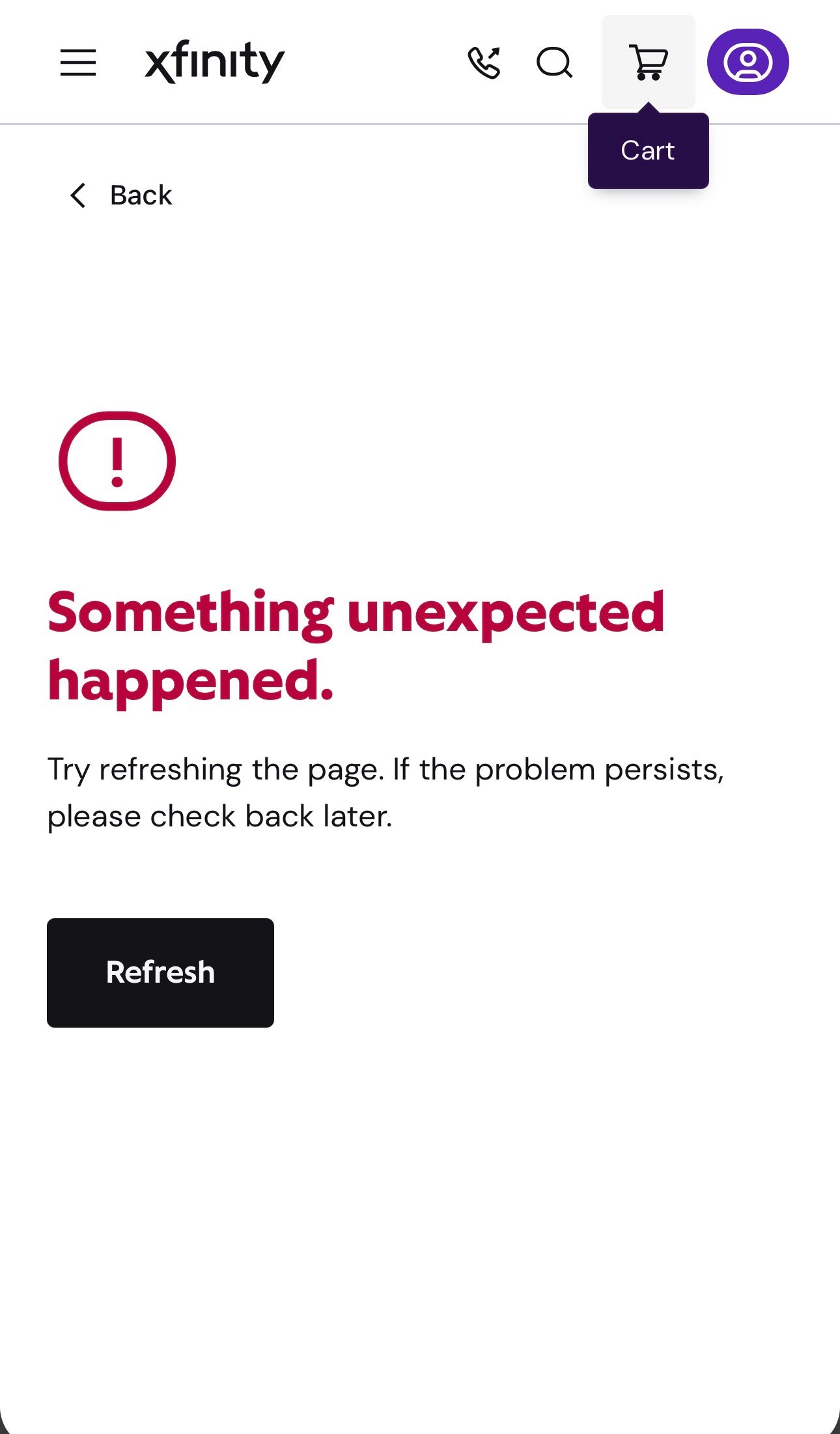
Unable to purchase new service from account, receiving “something unexpected happened”
To start off with, these are the fixes I have attempted (as an IT operations specialist):
- Tried clearing cookies/cache
- tried logging in from another browsers (safari and chrome)
- tried logging in from a different device
all of this occurs when it prompts me to login/create an account during the checkout process. I was also receiving the error when selecting “Account and Identity” and “Update Contact Information” when I am logged into the account on the customer website.
I am unable to purchase service which is impacting our new home transition.

XfinityJoe
Official Employee
•
1.6K Messages
20 hours ago
@user_109938 Good morning! We’re sorry for the frustration you experienced when trying to make a plan change online. We’d be happy to help by reviewing your account and available plan options with you, or assisting with processing the plan change you were trying to complete. If we can be of help, please send us a DM with your full name and address to Xfinity Support.
To send a direct message:
Click "Sign In" if necessary
Click "Direct Message"
Click the "Start new conversation" (pencil and paper) icon
The "To:" line prompts you to "Type the name of a person". Instead, type "Xfinity Support" there.
As you are typing, a drop-down list appears. Select "Xfinity Support" from that list.
An "Xfinity Support" graphic replaces the "To:" line.
Type your message in the text area near the bottom of the window
Press Enter to send it. See the link below for an example
https://forums.xfinity.com/conversations/guidelines/how-to-direct-messaging-within-the-forum/697ba1e570934d009185c514
(edited)
0
0